
Python Tip of the Day: Isolate Projects with Virtual Environments
Isolate Projects with Virtual Environments
Author: Jeremy Morgan
Published: November 15, 2024

AI changed software development. This is how the pros use it.
Written for working developers, Coding with AI goes beyond hype to show how AI fits into real production workflows. Learn how to integrate AI into Python projects, avoid hallucinations, refactor safely, generate tests and docs, and reclaim hours of development time—using techniques tested in real-world projects.
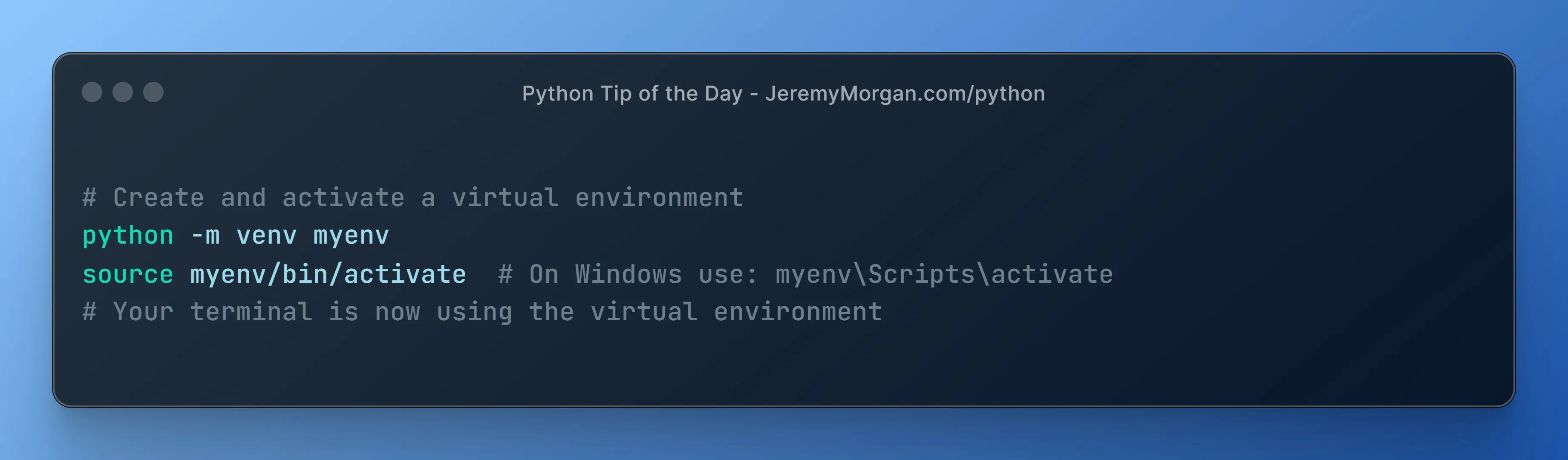
Keep your project’s dependencies separate using virtual environments.
# Create and activate a virtual environment
python -m venv myenv
source myenv/bin/activate  # On Windows use: myenv\Scripts\activate
# Your terminal is now using the virtual environment
The Python Tip of the Day is a daily series published in the month of November. The tips are designed to help you become a better Python programmer. I post tips like this and more every single day on X. Let’s connect!
AI changed software development. This is how the pros use it.
Written for working developers, Coding with AI goes beyond hype to show how AI fits into real production workflows. Learn how to integrate AI into Python projects, avoid hallucinations, refactor safely, generate tests and docs, and reclaim hours of development time—using techniques tested in real-world projects.