
Python Tip of the Day: Sort Lists with sorted()
Sort Lists with sorted()
Author: Jeremy Morgan
Published: November 21, 2024

AI changed software development. This is how the pros use it.
Written for working developers, Coding with AI goes beyond hype to show how AI fits into real production workflows. Learn how to integrate AI into Python projects, avoid hallucinations, refactor safely, generate tests and docs, and reclaim hours of development time—using techniques tested in real-world projects.
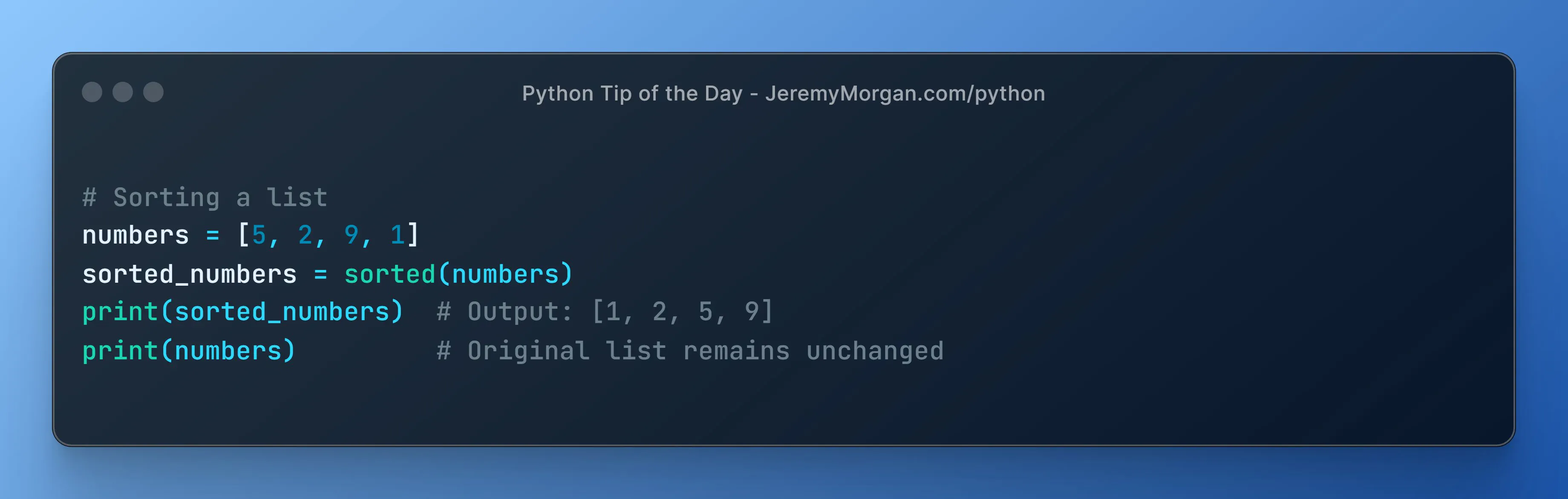
Need a sorted version of a list without altering the original? sorted() is your friend.
# Sorting a list
numbers = [5, 2, 9, 1]
sorted_numbers = sorted(numbers)
print(sorted_numbers)  # Output: [1, 2, 5, 9]
print(numbers)         # Original list remains unchanged
The Python Tip of the Day is a daily series published in the month of November. The tips are designed to help you become a better Python programmer. I post tips like this and more every single day on X. Let’s connect!
AI changed software development. This is how the pros use it.
Written for working developers, Coding with AI goes beyond hype to show how AI fits into real production workflows. Learn how to integrate AI into Python projects, avoid hallucinations, refactor safely, generate tests and docs, and reclaim hours of development time—using techniques tested in real-world projects.